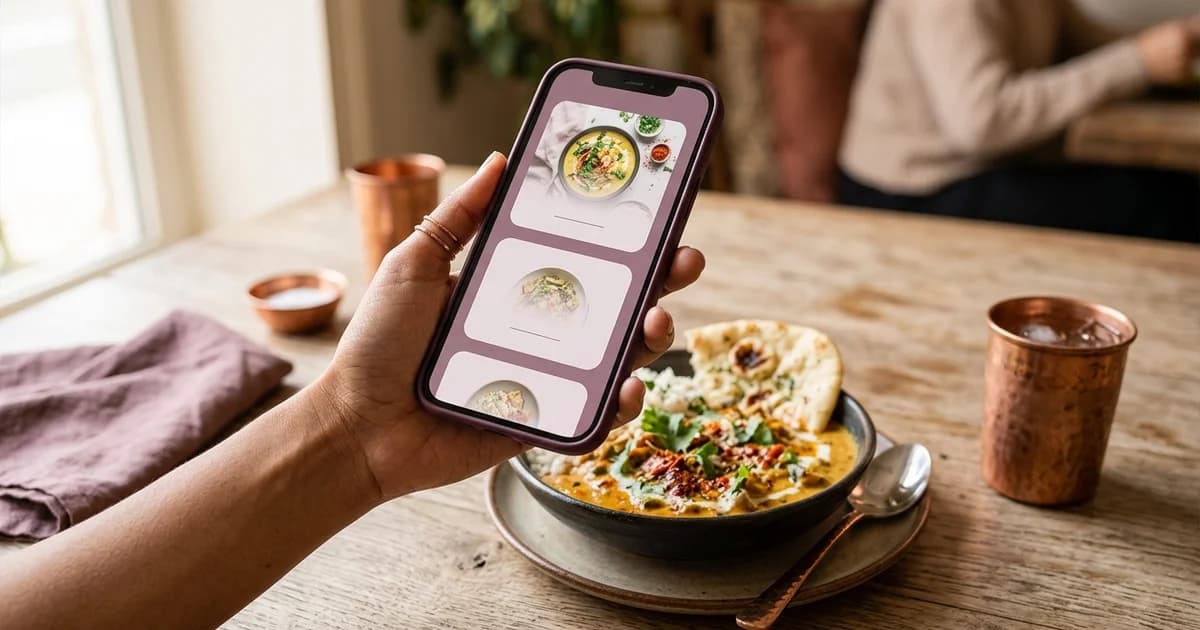
How can an Indian restaurant create a multilingual digital menu?
List the languages the venue can reliably support across the menu and service. Choices may reflect the city, guest mix, staff capacity and the restaurant’s service model. Do not call a menu multilingual merely because a browser can translate it; automatic translation may distort dish names, ingredients or safety information. Select one approved source version for names, descriptions, prices and availability. Record a translation owner and reviewer for each language. If a dish has an established regional name, consider retaining it with a short explanation rather than replacing it with an inaccurate literal translation.
Translate information guests need
Keep dish identity, portion, preparation, price and service conditions aligned. Translation should not add ingredients or promises absent from the approved source. If the restaurant includes allergen statements, have a competent person review them against recipes and kitchen practice; translation cannot replace accurate ingredient controls.
Preserve numerals, currency, units and tax presentation consistently. Check that punctuation and scripts render in the chosen font. A language selector should be easy to find and, where practical, leave the guest in the equivalent menu section when switching languages.
Design for scripts and small screens
Allow sufficient width and line height for scripts that use more vertical space or longer words. Avoid clipping, forced line breaks and text that only works in English. Test section navigation, search, prices, descriptions and buttons on a phone. Confirm the selected font includes every character used by the menu.
Provide selectable text and meaningful headings. Mark page language and language changes in the page structure when the platform supports it. Check keyboard navigation and zoom. A photograph of a printed menu may look multilingual but can be hard to enlarge, search or use with assistive technology.
Keep every version synchronized
When a dish or price changes, update the source and all language versions together. Track item ID, source label, translations, price, availability and review date. Do not silently publish a new source while an old translation remains live.
After release, ask a fluent reviewer to scan the live page on a phone. Compare a sample from every section with the approved source and test each QR route. Schedule review when recipes, prices, availability or hours change so translations remain part of ordinary menu maintenance.
Additional operational check
A translation review can use a fixed sample: one vegetarian dish, one non-vegetarian dish if offered, one modifier, one beverage, an unavailable item and a price. Compare spelling, meaning, numerals and section order in every language. Ask reviewers to flag an unclear phrase instead of guessing. This small repeated check catches interface problems before a full menu update reaches guests.
Operational detail
For Indian-language text, check conjunct characters, punctuation, transliteration and whether a chosen font renders the script on both Android and iPhone. This is a practical rendering check; it does not certify translation accuracy. Keep the source wording and reviewer name alongside the published version so a later editor can understand which translation was approved.
Related reading
Sources and further reading
- W3C WAI: Language of Page
- W3C WAI: WCAG 2 at a Glance
- Google Business Profile Help: About the menu editor
Source links support the facts above. Check dated source material for current details.
Keep reading