How should a cafe QR menu differ for counter and table service?
In counter service, a guest typically reviews options, orders at the counter or through a supported digital channel, then collects the order or watches for a call number. In table service, a guest is seated and may order with staff. A QR menu can support either format, but its destination should make the next step obvious. Decide what the guest should do after browsing: go to the counter, submit an order, call a server, or request a bill. A view-only menu stops at information. QR ordering adds order submission and requires a receiving workflow. Pay-at-table adds a payment step and provider.
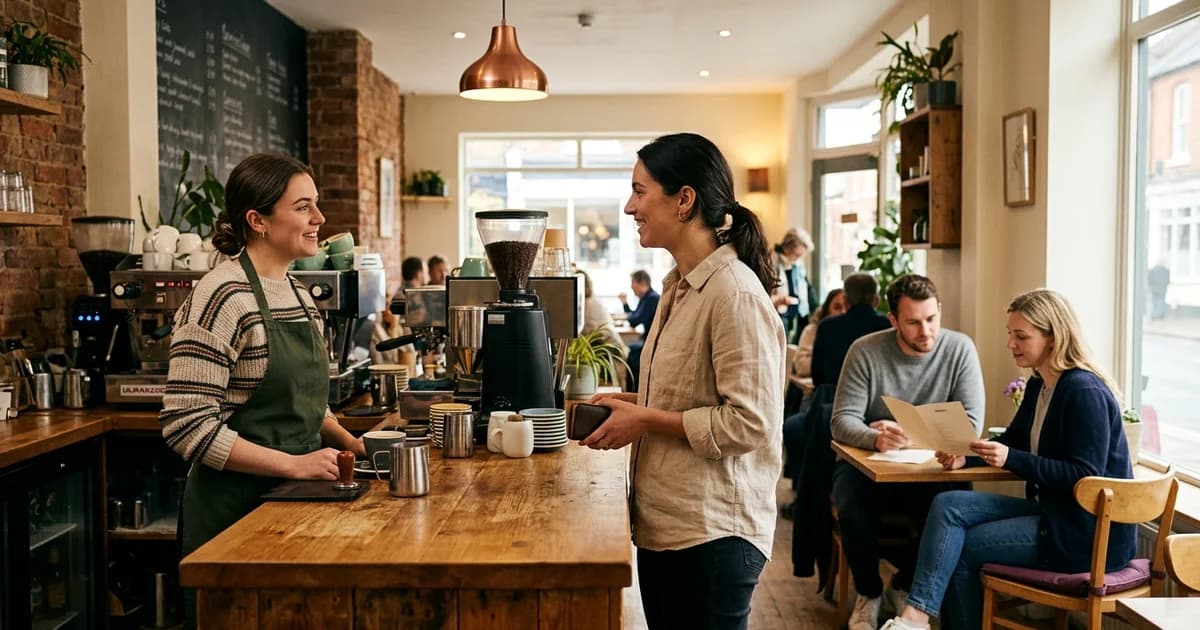
For counter service, state the next step
If the QR page is informational, show where to order and when payment happens. If it accepts orders, explain pickup location, collection method and how staff handle unavailable items. Show an estimated wait only where the venue has a reliable basis for doing so.
A counter sign that sends guests to a menu without saying what to do next can add confusion. Label the menu link and the order channel separately. Keep a printed menu or staff-assisted route available to people who cannot or do not wish to scan.
For table service, preserve table context
A table code may open a common menu or a page associated with that table. If it accepts orders, confirm how the table is identified and how changes reach staff. Test reassigned tables, guests moving seats and multiple people scanning the same code. A code that only displays a menu should not be labelled as sending an order.
If guests can request a waiter or bill, explain how they know it was received. Decide whether staff bring a printed bill, a payment terminal or an approved digital option. Each path needs a fallback if the alert device or network is unavailable.
Compare the work, not assumed benefits
Count how many menus need maintenance, whether the solution integrates with the point of sale, and who updates prices and item availability. A digital flow may shift work to content updates, order monitoring and support; printed menus require design, production and replacement. Do not assume a QR code by itself makes service faster.
Google Business Profile can display menu items or a menu URL for eligible food and drink businesses, but that listing is distinct from order management. Keep the venue’s own menu current and test each entry point. The outcome depends on venue layout, staff and chosen systems.
Additional operational check
A café can document the chosen path using a brief guest sentence on the first screen: “Browse, then order at the counter,” or “Browse and place your order here.” Use only wording that matches the system in service. Ask a new staff member to follow the same instructions during setup; if the process is not clear to them, it is unlikely to be clear to a first-time guest.
Related reading
Sources and further reading
- Google Business Profile Help: About the menu editor
- Google Business Profile Help: Local business links
- DENSO WAVE: What is a QR Code?
Source links support the facts above. Check dated source material for current details.
Keep reading