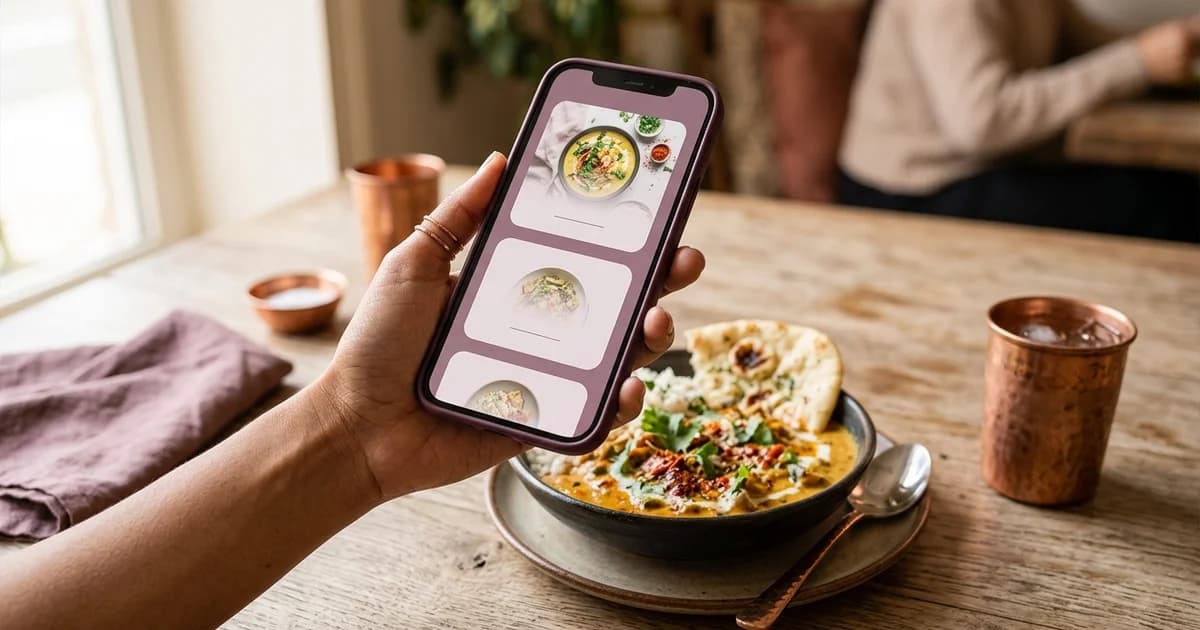
QR ordering and counter ordering describe different order-entry paths
With QR ordering, a guest uses a phone interface to select and submit a restaurant order. With counter ordering, the guest communicates the selection to staff at a counter, who enters or relays it. Both paths still require staff, kitchen and payment processes. Neither label alone tells a guest how fast the order will be prepared, what payment methods are available or how the restaurant handles changes.
Map the guest actions
For counter service, the guest typically joins the queue, tells staff what they want, clarifies options, pays or chooses a payment step, and receives a collection cue. For QR ordering, the guest scans a code, checks the destination, selects items and options, reviews the basket, submits, then follows the restaurant’s confirmation and fulfilment instructions. A restaurant may combine the paths, such as accepting in-person orders while displaying a QR menu.
These are simplified examples, not required sequences. Some counters take payment after service; some QR flows require staff confirmation or payment before submission. Write down the actual venue process before comparing systems.
Compare operational needs, not labels
Counter ordering gives staff an immediate opportunity to answer questions and clarify a special request. It also depends on staff availability and the physical queue. QR ordering can let a guest browse without beginning at the counter, but guests need a suitable phone, usable connection and understandable interface. A QR code does not automatically shorten a queue or reduce labour. The result depends on the number of staff, order volume, kitchen capacity, payment setup and how the software fits the workflow.
Consider the questions guests ask about ingredients, substitutions, accessibility, languages or availability. Decide how those questions reach a person. Include an alternative for guests who do not want to scan, cannot access the internet or need help reading the screen. A well-run counter can remain necessary even when digital ordering is available.
Compare errors and exceptions
Test modifications, sold-out items, duplicate submissions, order acknowledgements and refunds in the actual system. For counter service, note how staff repeat orders and communicate requests to the kitchen. For QR ordering, identify who receives a ticket and who notices a failed connection. Compare the error path rather than assuming one channel is more accurate.
Build a fair comparison
Use the same menu, price, service period and guest volume when evaluating both processes. Record queue time, time to order, time to confirmation and operational errors only if the venue measures them consistently. Do not use one short observation as proof of typical performance. The available evidence belongs to that restaurant, period and configuration.
The right process can also differ by service mode: table service, fast casual, takeaway or a busy event may need different hand-offs. A hybrid path can be appropriate where guests can choose between staff assistance and a phone. To examine the adjacent system boundaries, read QR ordering from guest to kitchen, QR menu versus ordering and pay-at-table, and QR menu versus PDF menu.
Sources and further reading
- DENSO WAVE: How to introduce a QR Code system
- DENSO WAVE: QR Code FAQ
- Uttarakhand Open University: Food and Beverage Management
Source links support the facts above. Check dated source material for current details.
Keep reading