QR menu versus PDF menu: what is being compared?
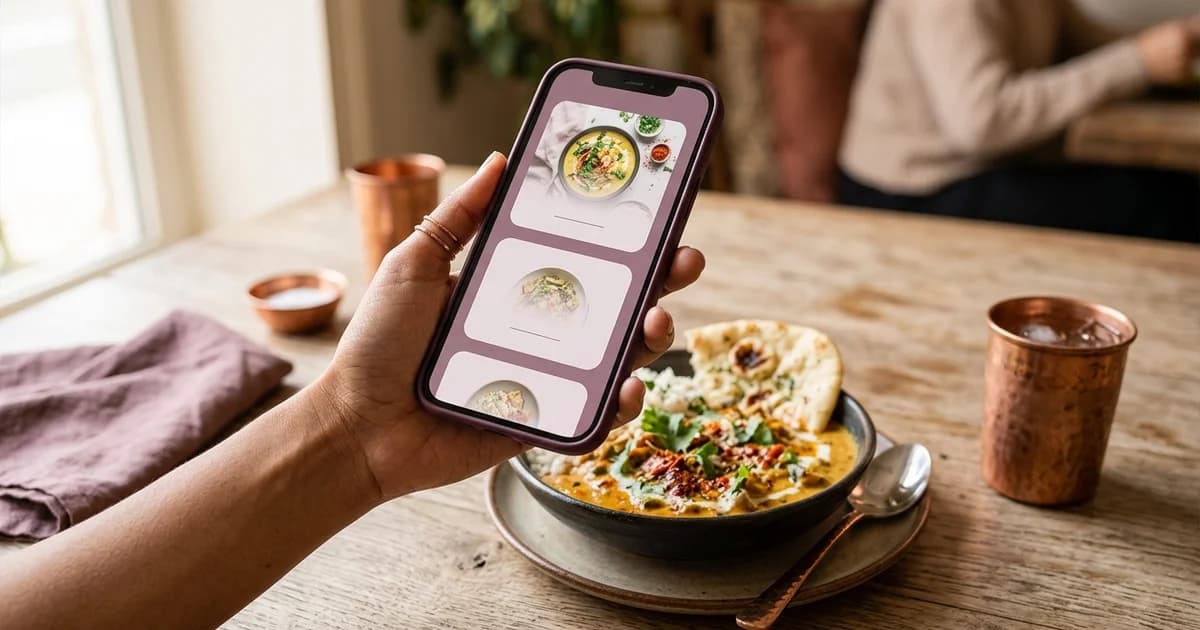
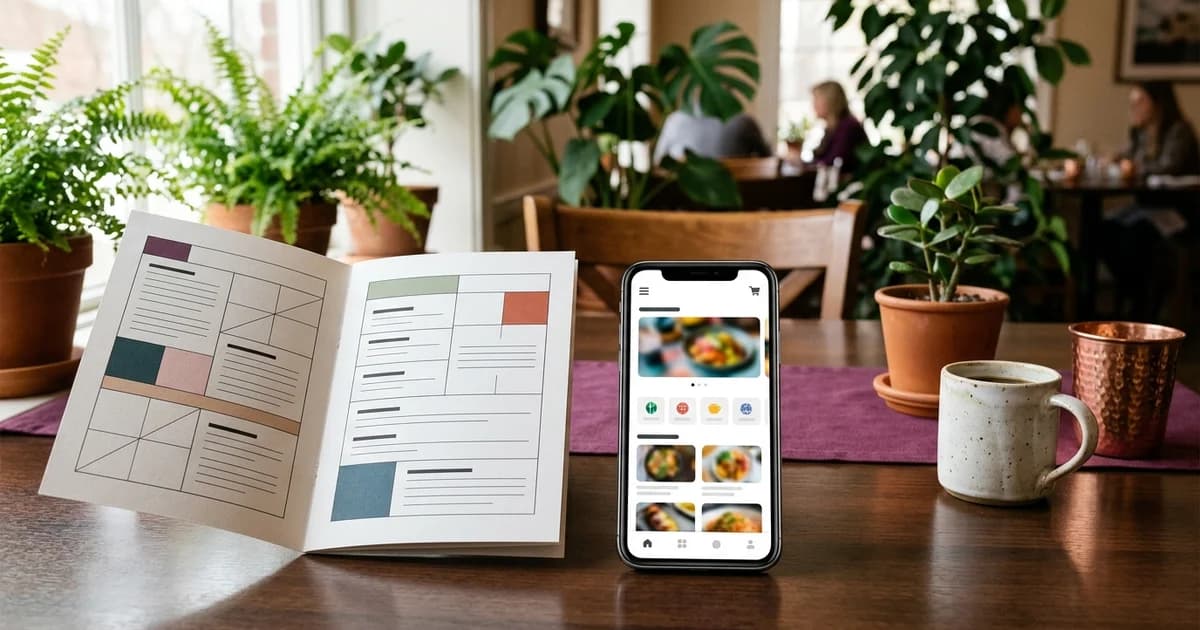
A QR code is a way for a phone to reach a destination; a PDF is one possible menu file at that destination. The terms are not direct alternatives. A printed QR code can open a PDF, a web page or an ordering experience. The practical comparison is usually between a PDF-based menu workflow and a mobile web menu reached through a QR code.
How a PDF menu works
A restaurant publishes or shares a document containing the menu, then gives guests a link or QR code to open it. A PDF can preserve a designed page layout and be useful when the restaurant needs a printable file. It may be less comfortable on a small phone if text is small, pages require zooming, or the file is large. Changing a price can mean editing, exporting and replacing the file, then confirming that any shared links still lead to the current version.
The file itself does not automatically keep the printed menu, shared copy and online version synchronized. A restaurant should identify the current file, control who replaces it, and test the link after updates. If guests cannot open the file on their device or network, staff should have another way to provide the menu.
How a mobile web menu differs
A responsive web page can adapt text and layout to the available screen, and its content can be updated on the page without replacing a document file. That does not happen automatically: the restaurant still needs a reliable publishing workflow and must check that the new menu is visible to guests. Some web menus also support ordering or table context, but a QR symbol or web page alone does not establish those functions.
W3C’s WCAG guidance on reflow describes presenting content at narrow widths without losing information or requiring horizontal scrolling, subject to stated exceptions. That is a useful design consideration for a phone menu. It is not a claim that any web page is accessible simply because it is online.
Compare the actual guest journey
Review the destination from a guest’s phone. Can the person find sections, read item names and prices, see relevant descriptions, and return to the menu after opening a link? Does the page fit the screen without repeated zooming? Is the network requirement clear? If ordering is offered, can guests tell whether the menu only displays choices or sends an order? Keep printed menus or staff assistance available for guests who do not want to scan.
Compare operating and update needs
List who edits the menu, how price or availability changes are approved, and how long it takes for the guest-facing copy to update. Consider print design needs, file maintenance, hosting responsibility, access on low-bandwidth connections, and whether the menu must work across multiple branches. These factors vary by restaurant; there is no universal lower-cost or higher-conversion choice that follows from the file type alone.
Choose based on the required workflow
A PDF can fit a stable, designed document workflow. A mobile-first web page can fit frequent updates or content designed to reflow on phones. Either can be linked through a QR code, and either still needs accessible alternatives and a tested destination. Decide by testing the real menu and update process rather than by comparing labels. For related details, read how to create a restaurant QR menu, how to design a mobile-friendly restaurant menu, and QR menu, QR ordering and pay-at-table distinctions.
Sources and further reading
- W3C WAI: Understanding WCAG 2.1 Reflow
- DENSO WAVE: QR Code FAQ
- Apple Support: Scan a QR code with your iPhone camera
Source links support the facts above. Check dated source material for current details.
Keep reading