How can restaurants offer menu access without requiring a QR scan?
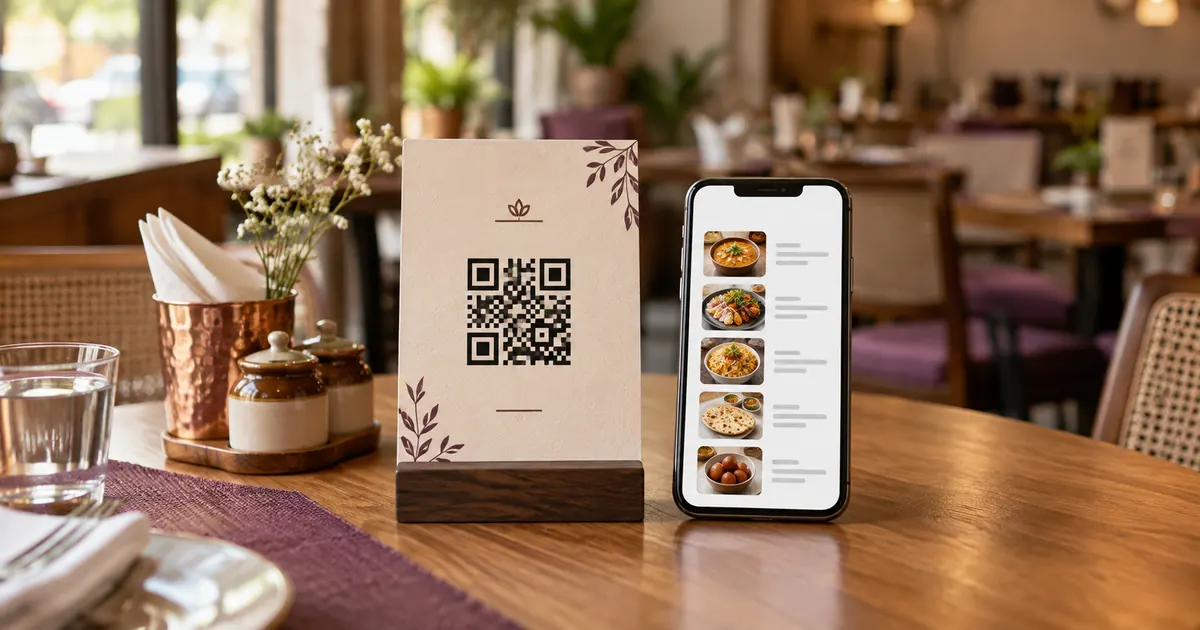
A printed QR code is a visual shortcut to a web address. It does not make the destination accessible by itself, and a guest may not have a camera-ready phone, mobile data, or the ability or desire to scan. Keep a staff-assisted way to view the same current menu, such as a printed copy or a page opened by staff. Make the alternative easy to request without asking guests to explain why they need it. A QR-only sign creates a single point of failure: if the code is damaged, the page is offline, or a guest cannot use a phone, menu access stops. A second route also helps when a phone battery is flat or the venue connection is unreliable. State clearly whether the code opens a view-only menu, an ordering page or a payment flow; these are different functions.
Make the destination usable
Use semantic headings and a logical reading order. Give links names that describe their destination, keep text selectable, and make controls operable by keyboard. Avoid publishing the entire menu as one image or as a scan-only PDF. If a PDF is necessary, check that the text can be selected and read in sequence, and provide an HTML alternative where practical.
Test the menu at increased text size and on a narrow phone viewport. W3C accessibility guidance covers text alternatives, keyboard access and reflow; these are practical checks, not a full legal conformance assessment. Try a screen reader as well as a visual scan. Confirm item names, prices, dietary notes and availability are text, not information conveyed only by color or photographs.
Give the same information in the fallback
Keep a current printed menu or staff-assisted route ready. A non-digital option should provide the same essential information: item name, description where used, price, relevant dietary information, and ordering steps. If a dish is unavailable, keep the printed and digital versions aligned. Train staff to retrieve the current version so the alternative does not silently become outdated.
If menus differ by language or format, explain those choices in plain language. A guest should not need to scan another code to learn how to ask for help. A fallback is useful only when employees know where it is and can provide it during service. Assign an owner for checking the printed copies after prices or recipes change.
Run a short pre-release check
Open the page without an owner login. Navigate with a keyboard, increase text size, inspect contrast, and try a screen reader. Ask someone unfamiliar with the menu to find one named item, its price and the next ordering step. Then compare that result with the printed fallback. Record the page version and date checked; repeat after a redesign or major content change.
These checks can reveal missing item details, low-contrast text, tiny controls, or a page that forces horizontal scrolling. They do not prove compliance with every accessibility law or standard. For a legal determination, consult the standards and jurisdiction applicable to the venue.
Additional operational check
An employee hand-off can be included in the service checklist: where printed copies are stored, who checks them after a price change, and how a guest can ask for one without delaying the queue. If the menu is online, a staff member can open the same guest-facing URL on a venue device. This keeps the alternate path consistent with the live menu while avoiding a requirement that a guest use their own phone or share personal details.
Related reading
Sources and further reading
Source links support the facts above. Check dated source material for current details.
Keep reading