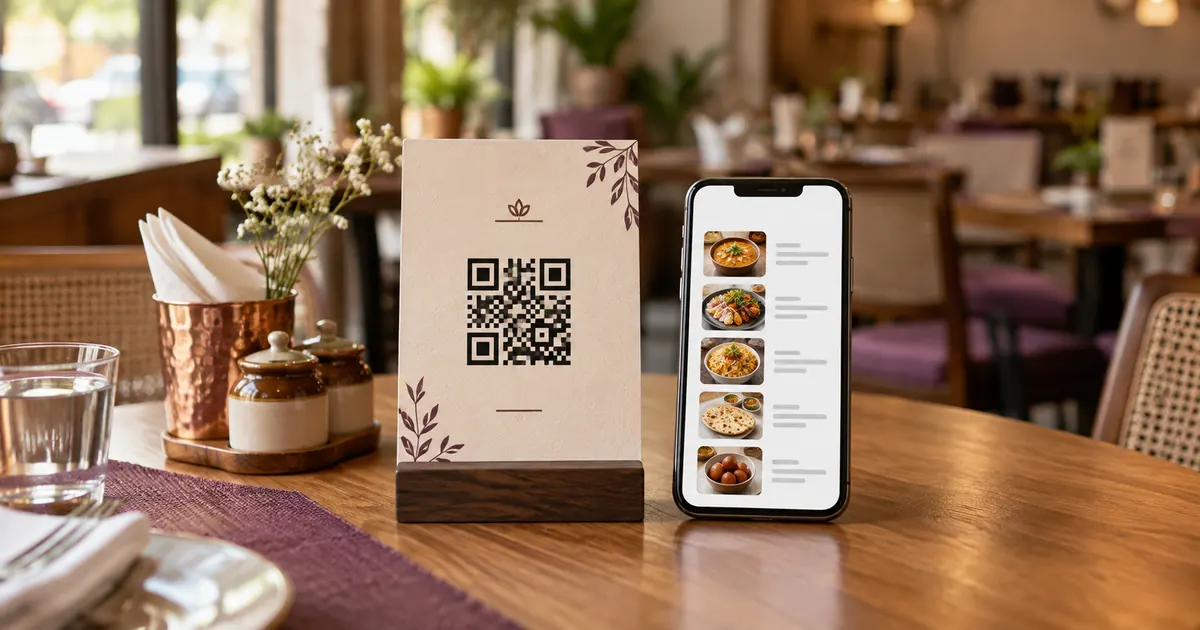
Can a restaurant QR menu work without an internet connection?
A QR symbol can be read by a phone camera without internet access. But if it contains a web address, loading that menu page generally requires a network connection. A QR symbol can encode other data, but storing a full menu is constrained by data capacity and practical scanning; most restaurant codes point to a web page. That means Wi-Fi, mobile data, destination availability and page performance affect access. Do not promise that a web QR menu works offline unless the complete guest flow is designed and tested without a connection.
Choose a practical outage fallback
Keep current printed menus or a staff-assisted method available. If the venue provides Wi-Fi, put access instructions somewhere visible without requiring the guest to first open the QR menu. Staff should know how to take an order or show a menu when a phone cannot connect.
For an outage affecting online ordering, explain whether guests can order at the counter or with staff. Avoid accepting a digital order if the restaurant cannot confirm it reached the kitchen. A visible confirmation should reflect the actual system state, and staff should be able to check whether a request arrived.
Reduce connection friction
Use a stable address and a mobile page that loads without a large download or login. Test on cellular data and venue Wi-Fi. Confirm the guest network does not block the menu host or create a login loop. Test using ordinary phones and realistic lighting and signal conditions.
Where connectivity is inconsistent, show a printed menu or label the code as optional. Keep the QR image high contrast and test it at the size and distance where it will be used. If a menu domain or redirect changes, re-test every printed code.
Prepare the team procedure
Define who switches to the fallback, how staff tell guests, and what happens to orders already underway. Keep the latest approved menu available to employees, but avoid uncontrolled copies with old prices. After service returns, test the entire guest flow before saying ordering is online again.
Record the issue, guest impact and any orders needing follow-up. For multiple branches, assign a local fallback owner instead of assuming every outlet has the same connection. This procedure cannot prevent outages; it gives staff a clear response when they occur.
Additional operational check
A tabletop sign can include a short fallback instruction such as “Ask our team for a printed menu.” Do not print a second code for Wi-Fi unless staff have checked that it works on the guest network and the menu code is still available after sign-in. Keep one printed copy near each service zone so staff can respond without leaving guests waiting while they locate a file.
Operational detail
Before service, staff can briefly verify whether the venue Wi-Fi portal is reachable and whether the menu page loads from a guest device. Keep the fallback visible even when the network appears healthy. A connection can fail later, and guests may use a carrier with different coverage from the restaurant’s own phone.
Related reading
Sources and further reading
- DENSO WAVE: What is a QR Code?
- Apple Support: Scan a QR code with iPhone
- Google Business Profile Help: About the menu editor
Source links support the facts above. Check dated source material for current details.
Keep reading