How should a hotel restaurant organize its digital menu?
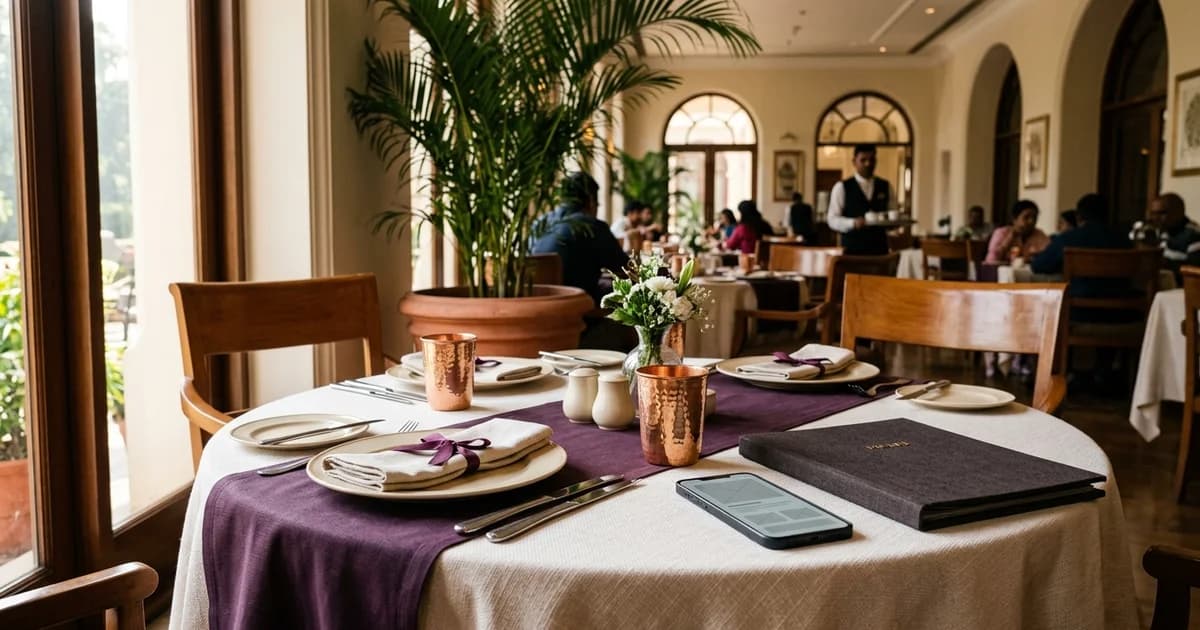
A hotel may serve breakfast, all-day dining, room service, a bar menu and event catering. Put each service in a clearly named section or destination rather than one long list. Label the service and the time it applies to. Do not use hours that differ from the outlet’s approved operating schedule. Guest-facing organization should match how the property takes orders. A room-service menu may ask a guest to call reception; a restaurant menu may be browse-only. State whether the guest can order online, should call, or should speak with staff. A QR code itself does not identify the workflow.
Answer basic questions on the first screen
At the top, identify the property or outlet, service type, applicable hours and how to get help. Guests should be able to tell whether they are looking at the in-house restaurant, lounge or room-service menu before reading dish details. If the property has several outlets, name each one and link to a shared outlet index.
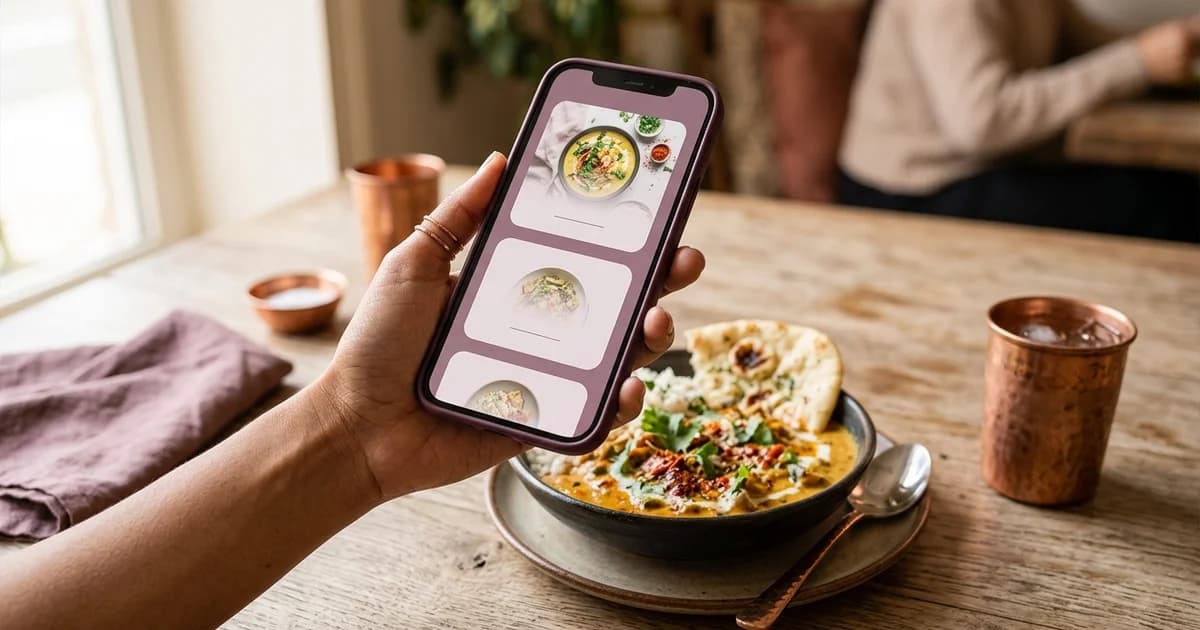
Use section labels in a predictable order, such as beverages, breakfast, mains and desserts where those sections exist. Keep item names and prices readable on a phone. Do not require a guest account or staff login. Test links in the hotel website, guest directory, table card and welcome message so each opens the intended menu.
Make hours, location and availability explicit
If service varies by day, show the relevant day and local time. Date exceptional holiday or event changes. A page that says “breakfast” without indicating when it is served can mislead guests arriving outside the service window. If hours change seasonally, assign an owner and a repeatable review step.
For a multi-property group, distinguish property, outlet, currency, prices and contact information. Do not reuse one property’s data on another location’s page. When an item sells out, mark it unavailable or remove it according to the kitchen’s process; avoid letting the guest discover the change only after ordering.
Maintain an approved source for updates
Assign a role to approve menu wording, prices and availability. Keep the digital page, printed menu and any profile menu link aligned. Google Business Profile documents menu editing for eligible food and drink businesses and notes that changes can take time to appear; check the venue’s own guest-facing page rather than assuming every external listing updated immediately.
After an update, test each entry route on a phone: table code, website and guest-room link. Confirm the outlet, service hours and prices. Keep an update record with the person, date and version. That makes it easier to resolve a mismatch reported by a guest or employee.
Additional operational check
A simple outlet index is especially useful when a guest arrives from a room QR code rather than the hotel home page. Make each link state the outlet and service, then test it from the room directory or printed card. When a hotel changes an outlet name, review the destination title, page heading, profile link and table signs together. That check prevents the correct menu from appearing under a confusing venue label.
Related reading
Sources and further reading
- Google Business Profile Help: About the menu editor
- W3C WAI: WCAG 2 at a Glance
- Apple Support: Scan a QR code with iPhone
Source links support the facts above. Check dated source material for current details.
Keep reading