Why menu prices drift between channels
A restaurant can show the same item on a website, QR menu, PDF, social profile, delivery listing or printed card. Each copy can change at a different time. A price may also have a different scope by outlet, dine-in/takeaway service, portion, combo or promotion. “Consistent” therefore means the right price appears for the relevant item, place, service and time; it does not necessarily mean every channel displays one identical amount.
This article gives a reconciliation workflow, not tax or legal advice. Decide which menu record is the approved source for each outlet and service mode. Record the effective time for every price change and use that same record to update the copies guests can reach.
Create a canonical price record
For each item, keep a stable identifier, public name, portion or size, outlet, service channel, regular price, active promotion if any, and the date/time the change starts and ends. Note whether the shown figure includes any applicable charge or tax under the restaurant’s approved pricing and billing setup. If the same dish has a different dine-in and takeaway price, store both with their service labels instead of overwriting one with the other.
A spreadsheet can be enough for a small venue. A multi-branch business may manage the approved values centrally. In either case, retain a source record for each change: the person approving it, when it was approved, and the channels that must be updated. The goal is to make the current price traceable, not to imply that every software tool supports automatic synchronization.
Reconcile each customer-facing channel
1. Export or list current item prices from the approved record.
2. Compare the digital menu, order screen, QR destinations, PDF, printed insert and any public listings the restaurant controls.
3. Match the full item and context, not just a similar name. Check portion, add-ons, branch and service type.
4. Update every channel and record the completion time. If one outlet or channel is delayed, tell staff which version is current and how to explain the difference.
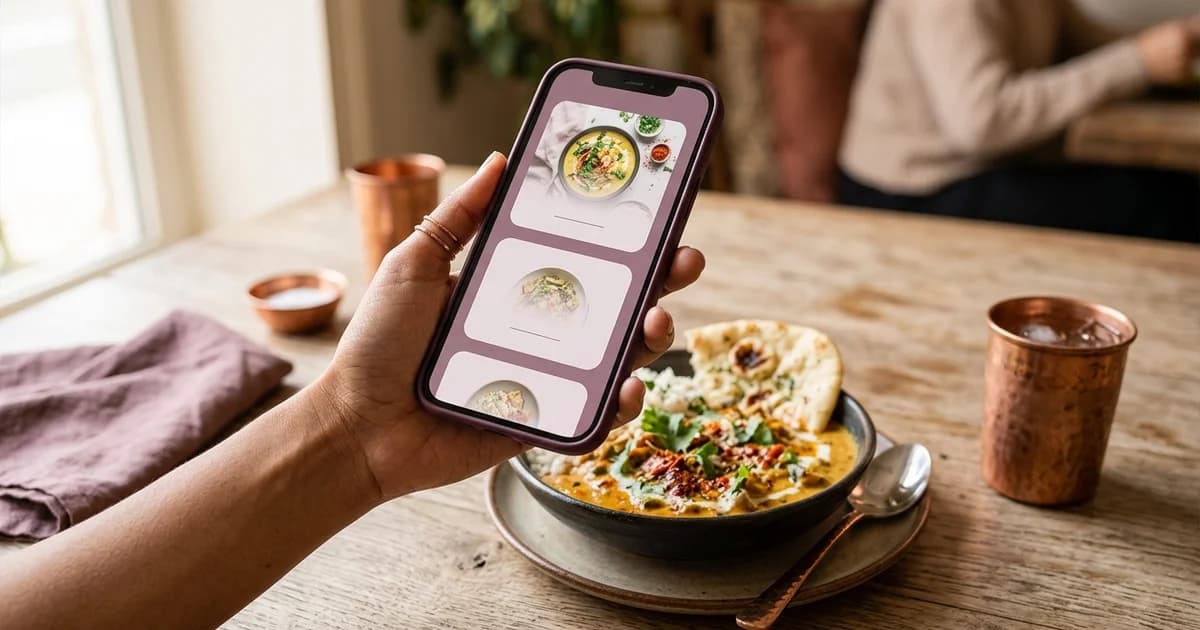
5. Test the guest journey: scan the table QR, open the menu, view item detail, add to cart if ordering exists, and inspect the order summary before submission.
6. Retire stale copies where possible. If a PDF must remain available, replace it at the same public address or label the archived copy clearly so guests do not mistake it for the current offer.
Handle promotions as separate records
Store a promotion’s item scope, eligible outlet/channel, start and end times, included/excluded options and its regular-price reference separately from the base price. A promotion can be correct on the QR menu and expired on a social post. Review scheduled offers at launch and expiry, including any timezone or overnight service handling. Do not show a discount badge on an item whose offer is no longer active.
The Ministry of Consumer Affairs’ 2022 advertising guidelines state that objectively ascertainable claims should be capable of substantiation and that advertisements should not mislead through statement, implication, omission or ambiguity. A restaurant should preserve records supporting advertised prices and promotions. Have a qualified adviser review questions about applicable rules and the restaurant’s exact pricing presentation.
Useful checks after every price update
Maintain a source of truth and a channel check
Keep an approved item record with the item name, variant, outlet, service mode, displayed price, effective date and person who approved the change. Map that record to each guest-facing place where the amount appears: digital menu, printed menu, ordering screen, social profile or delivery listing. Record whether add-ons or taxes appear separately so comparisons use the same price basis.
After an update, open the public page as a guest and compare the displayed amount with the approved record. Check common modifiers, combo bundles, discounts and branch-specific prices. A copy saved in an editor is not evidence that a cache or third-party listing updated. The Consumer Affairs guidelines address misleading advertisements; this article does not give a legal conclusion about any specific menu. Clear prices and conditions help avoid an inaccurate display, but current applicable requirements should be confirmed from official sources or a qualified adviser.
Compare the last approved export with the live guest menu, not just the editing screen. Check at least one real phone and the final QR URL. Confirm that the displayed item total and any supported order summary use the same active price. Repeat for each branch and service context where prices differ. See how restaurants schedule menu discounts, how to share a menu link on WhatsApp, and how to create a restaurant QR menu.
The reconciliation procedure reduces avoidable mismatches; it cannot ensure every third-party listing updates instantly. Keep a correction process for a stale or inaccessible copy and give staff a clear response when a guest finds a discrepancy.
Sources and further reading
- Department of Consumer Affairs: Guidelines for Prevention of Misleading Advertisements and Endorsements, 2022
- Department of Consumer Affairs: Consumer Protection resources
- W3C WAI: Web accessibility tips
Source links support the facts above. Check dated source material for current details.
Keep reading