How can I check whether a restaurant QR code is safe?
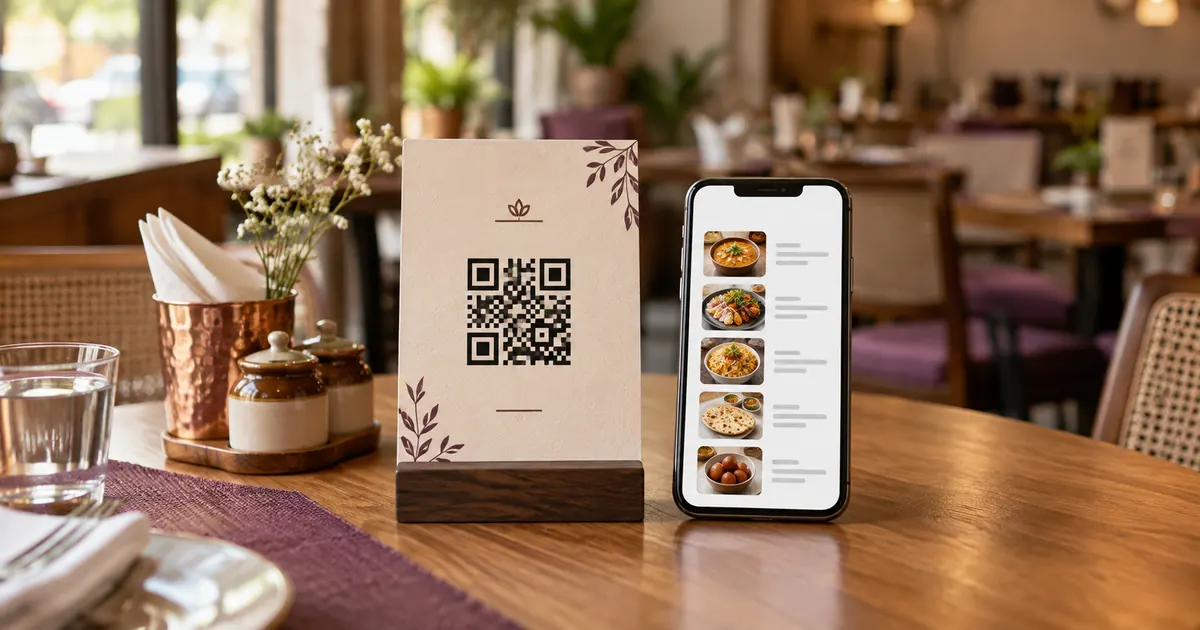
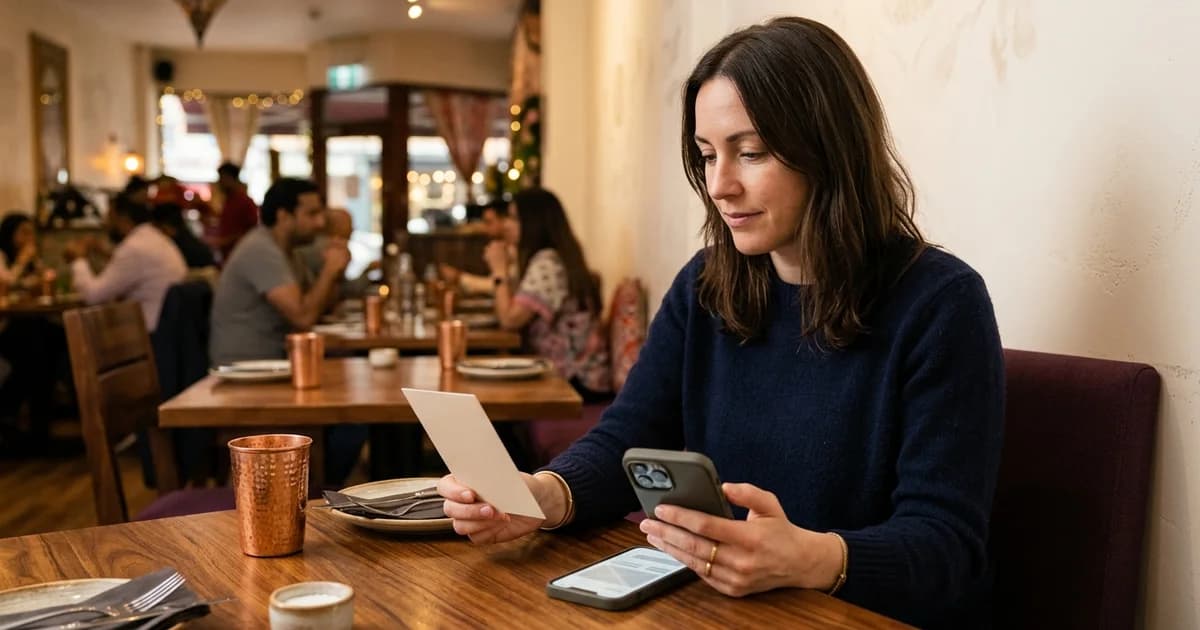
Use the phone camera or QR scanner you normally trust, and review the address preview before opening it. A restaurant menu should lead to a page whose name and context make sense for that venue. QR codes can encode web addresses and other data; the printed pattern alone cannot prove who created the destination. Check for a sticker pasted over the original sign, damaged print or wording that does not match the venue. If a code looks altered, ask staff for the direct menu link or a printed menu. A QR code can be replaced physically, so restaurants should inspect table signs regularly and after an incident.
Review what the page asks you to do
Confirm the page is for the expected restaurant and menu. HTTPS encrypts a connection to a named site, but does not prove that the site is honest or the sign belongs to the venue. Be cautious if a supposed menu page requests an unrelated password, app installation, payment-card details or personal information.
A payment QR has a different purpose from a view-only menu QR. If you choose to pay, check the amount and payee in your bank or UPI app before authorizing. A menu should not need your banking PIN to display dishes. Do not disclose a UPI PIN or one-time password to staff or enter it into a web form.
Use a fallback when something feels wrong
Close a page if it redirects to an unexpected domain, shows a security warning, asks for unusual permissions or does not identify the venue. Ask staff to confirm the intended URL and whether the code shows a menu, starts an order or requests payment. If available, use a printed menu while the sign is checked.
If you entered credentials or payment information on a page you now distrust, contact the bank or service through its official channel. The steps depend on what was shared. Do not treat a phone number or support link shown only on the suspicious page as independent verification.
Keep menu, order and payment codes distinct
Restaurants can label a menu card with their name and a short instruction such as “Open the menu.” A direct destination on a domain the business controls can make the target easier to recognize. Staff should know the current link and how to replace a sign.
Keep menu, ordering and payment routes visibly distinct. If payment is available, explain the step and make the payee visible in the payment application. These precautions help users check context; they do not certify that any particular QR image or website is safe.
Additional operational check
A useful final check is to compare the web address on screen with any address printed below the code, when present. A short link may redirect, so inspect the final page after opening it. If the restaurant’s name is absent, use a verified contact route from the venue itself to ask whether the link is theirs. These checks reduce uncertainty, but no visual cue alone can guarantee a link is safe.
Related reading
Sources and further reading
Source links support the facts above. Check dated source material for current details.
Keep reading