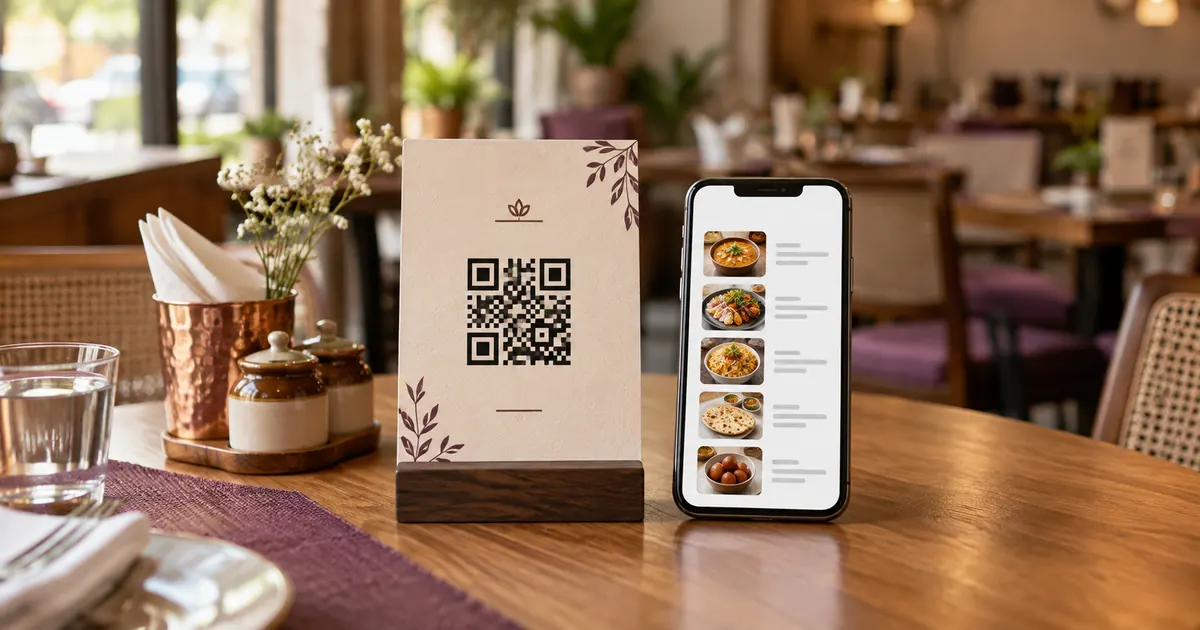
How does a QR bill-request system work in a restaurant?
A bill-request flow begins when a guest opens a page and selects “request the bill.” The request then needs to reach a staff member or service system, be acknowledged and acted on. A printed QR code only encodes data such as a web address; it cannot notify staff unless a connected service receives the event. Decide what the guest sees: a request button, itemized bill, payment option, or a combination. These are different capabilities. Do not describe a bill request as a payment function if it only alerts staff.
Map table-to-staff delivery
Write the path in steps: guest scans; page opens; table context is identified; guest submits; a system routes the request; staff sees and acknowledges it; the bill is prepared and delivered. Identify what happens if table context is missing, network access fails, the alert device is muted, or another request is already open.
If each table has a unique link, keep a mapping from code to table and branch. Test that one code cannot route to another table. If the guest selects a table manually, make the selection clear and correctable. A URL number alone should not expose private order details.
Confirm requests and offer a fallback
After submission, show “request sent” only after the service has accepted it. If delivery to staff cannot be confirmed, tell the guest to contact staff. A success message based only on a button click is misleading when a server request failed.
Provide a direct staff-assisted option for guests who do not wish to scan or whose phone cannot connect. Staff need a visible request queue or signal and clear ownership during shift changes. Test the route during ordinary service without creating duplicate requests.
Protect the payment and bill boundary
Collect only information required to identify the table or order. If a page shows an itemized bill or payment route, verify that guests can reach only the intended transaction. For payment, let the guest verify merchant and amount inside the supported provider flow before authorizing.
Keep invoice issuance within the venue’s established process. Test retries, refunds and delayed responses against the payment provider’s documentation. Do not promise that an alert was delivered or payment completed unless the workflow confirms that state.
Additional operational check
During a controlled launch, test one request from each table area and confirm the receiving staff member can identify its location. Also test a dropped connection, repeat tap and unacknowledged request. Set a clear timeout after which the page tells the guest to ask staff directly. Keep an operational fallback, because a request mechanism that silently fails is worse than a visible manual step.
Operational detail
A good acceptance test follows the guest’s action through the entire chain and checks both the guest page and staff view. Record expected and observed state for success, timeout and retry. If a vendor controls delivery notifications, confirm its documented failure behavior and escalation route before relying on it during service.
Related reading
Sources and further reading
- DENSO WAVE: What is a QR Code?
- Google Business Profile Help: Local business links
- NPCI: UPI product overview
Source links support the facts above. Check dated source material for current details.
Keep reading