How does a restaurant waiter-call system work?
A waiter-call button can send a guest request to staff only when a connected system receives and routes it. Map acknowledgement, escalation and an offline fallback before relying on it. Use the checks and definitions below to understand what the evidence supports, and verify changeable details with the venue or current source before relying on them.
The button is only the starting point
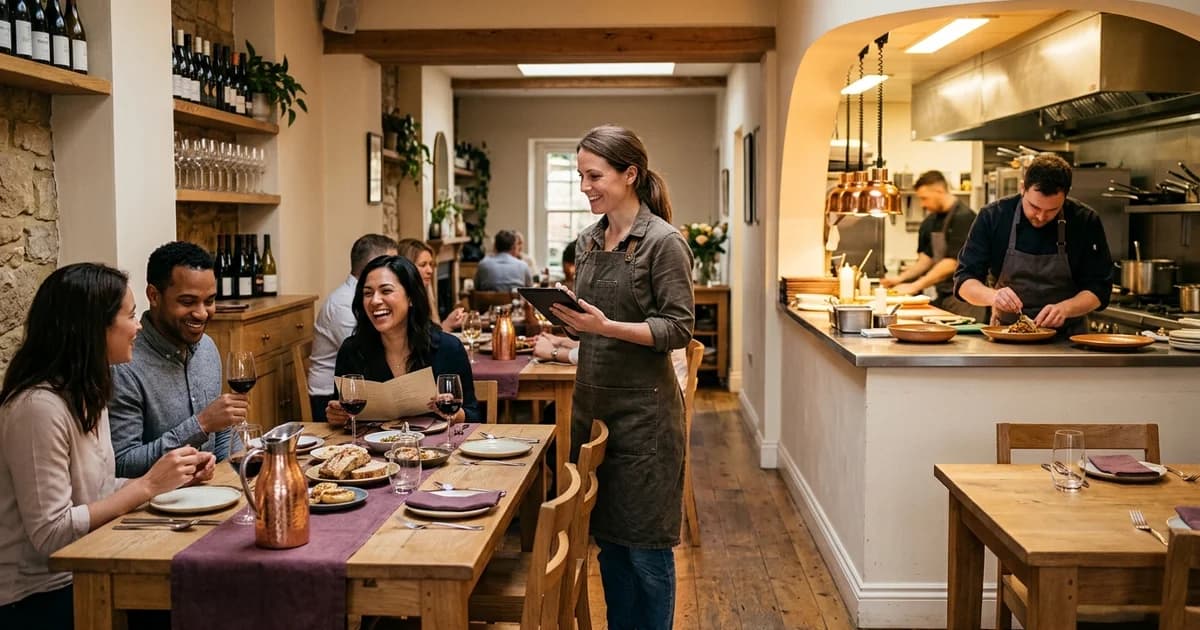
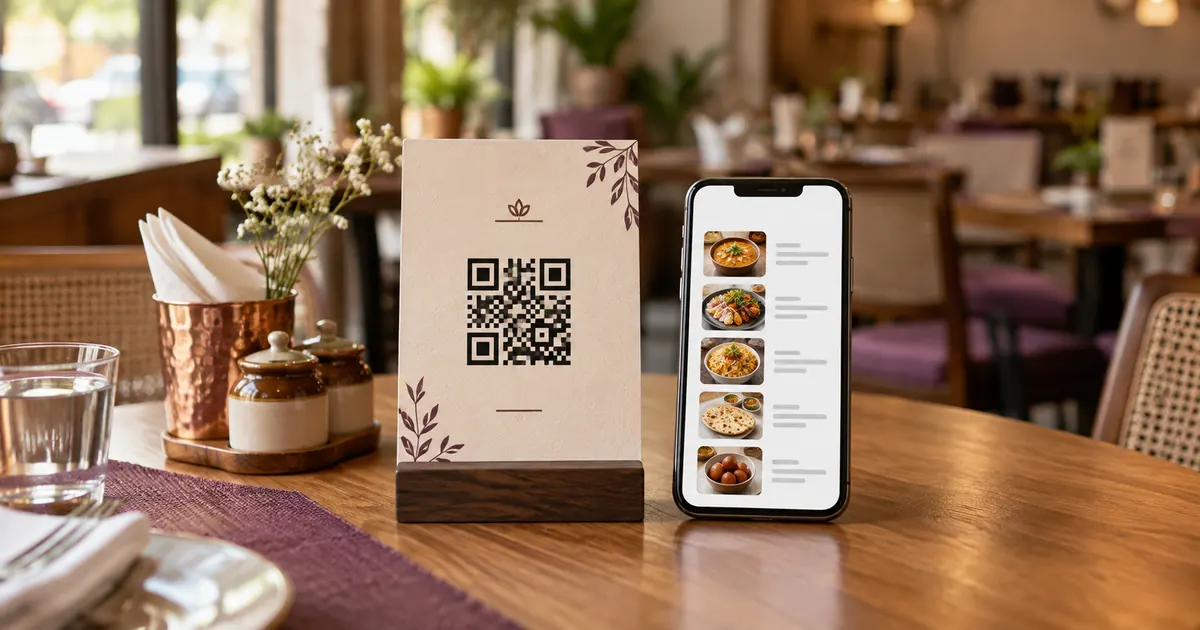
A guest presses a control at the table or on a menu page. The system then needs to identify the table, send an event to a staff device or queue, signal that the request was received, and let an employee respond. A button or QR code alone does not summon a server unless a connected workflow handles the request.
Common requests may include help, water, an order, or a bill. Decide which requests the system accepts and how staff distinguish them. A guest should see a clear confirmation only after the request is accepted, not merely because the page registered a tap.
Map how a request reaches the right person
Document the path from table to staff: table ID, network, service, notification device, assigned role, acknowledgement and resolution. Decide whether requests route to a section server, host stand, kitchen or central queue. Test that a table number is correct and that a new shift can see unresolved items.
Identify failure states: no connectivity, dead battery, muted notification, stale table mapping, duplicate tap, server restart and an employee away from the device. Set an escalation rule so a request does not disappear when the first person does not acknowledge it.
Protect guest expectations and data
Collect only what staff need to act on the request. If guests can view a bill or order through the same page, authorize access to the correct table or transaction; a guessable table number should not reveal another guest’s details. Keep payment processing in the approved payment flow.
Explain what the control does. Do not label a page “call waiter” if the button sends a generic message with no staff notification. Where the system is unavailable, tell guests to contact staff directly. Provide an alternative for guests who cannot or do not want to use a phone.
Test with a real shift workflow
Before launch, submit one request from each table area and verify that staff see the correct location, understand its type, and can acknowledge it. Test peak service and shift handover. Record expected and observed timing and the path taken after a missed alert. Do not claim a response-time promise unless the operation can support it.
Review request logs for unanswered or duplicate events, and update the table map after seating changes. If a third-party vendor controls notifications, confirm its documented outage behavior and support route. The restaurant remains responsible for a working service fallback.
Additional check
For any service-level target, measure when the request was submitted, when staff acknowledged it and when the guest received help. Separate acknowledgement from resolution. That data can reveal whether a delay occurred in notification routing, staffing or service capacity, but one shift is not enough to promise future response times.
Related reading
Sources and further reading
- DENSO WAVE: What is a QR Code?
- Google Business Profile Help: Local business links
- W3C WAI: WCAG 2 at a Glance
Source links support the facts above. Check dated source material for current details.
Keep reading