Where should a restaurant place QR codes on tables?
Place a restaurant QR code where guests can see and scan it without moving tableware, crossing glare or disturbing service. Test the printed code at real table distance and lighting. Use the checks and definitions below to understand what the evidence supports, and verify changeable details with the venue or current source before relying on them.
Choose a visible, stable spot
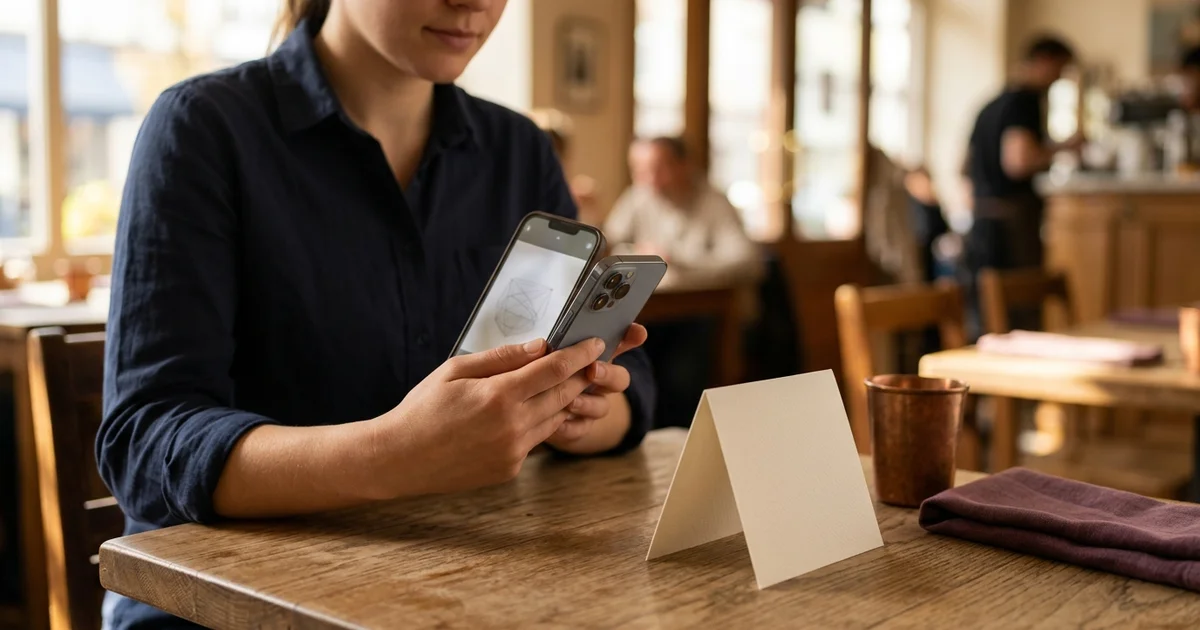
Put the code in a location a seated guest can see and point a phone camera at without reaching across hot dishes, drinks or another diner. Table tents, menu stands or a protected flat card can work, depending on the table and service style. Avoid placing the code under glass reflections, directly in a bright window glare, or where a plate routinely covers it.
The sign should state what the code opens: menu, ordering, bill request or payment. If it is view-only, do not label it as an ordering code. Keep the restaurant name or table context nearby so guests can understand the purpose and ask staff if a sign looks altered.
Keep the printed code readable
Leave a clear margin around the QR symbol and use strong contrast. DENSO WAVE’s QR guidance explains the code structure and quiet zone; GS1 guidance describes a four-module quiet zone for QR codes in its retail context. Avoid decorative elements that touch or obscure the symbol.
There is no single print size that works at every distance: symbol density, printer quality, material, lighting and phone camera all matter. Print a proof at the actual size and scan it from the seated position using more than one phone. Do not assume a small screen preview proves the printed sign will scan.
Test placement during service
Set the sign on the actual table and check a normal guest’s view from each seat. Test while place settings, plates and glasses are present. Move it if a guest must stand, twist awkwardly or lift tableware to reach it. Check that staff can clean the table without removing or damaging the code.
Test the exact destination, not only whether the pattern scans. Confirm the correct menu, branch and table context appear. If the QR starts an order, ensure staff receive it. If table codes differ, verify each location mapping and record which printed sign belongs at each table.
Keep an alternative and maintenance routine
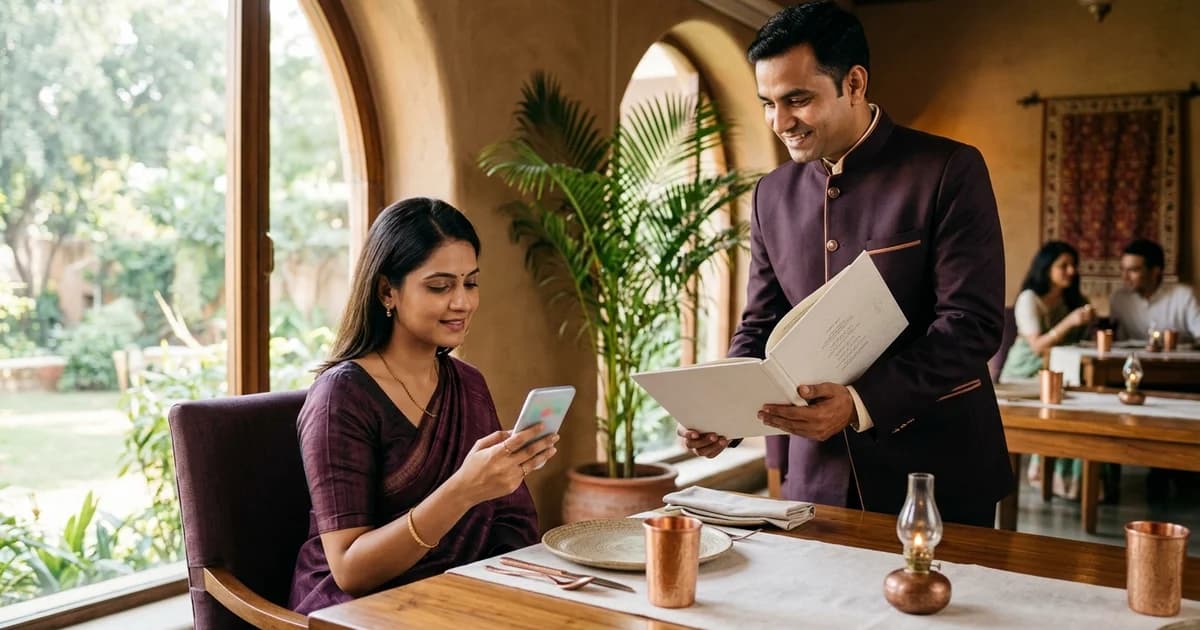
Provide a staff-assisted or printed menu route for guests who cannot or do not want to scan. Assign someone to inspect signs, replace damaged or altered cards, and re-test links when the menu address changes. A table code is a physical touchpoint and can be moved, covered or replaced.
Record the code destination, table number, print version and last test date. After changing table layouts, clean the table or changing a redirect, re-scan the code. These steps reduce avoidable failures but do not guarantee every phone or network will work in every condition.
Related reading
Sources and further reading
- DENSO WAVE: What is a QR Code?
- GS1: 2D barcode retail implementation guidance
- Apple Support: Scan a QR code with iPhone
Source links support the facts above. Check dated source material for current details.
Keep reading