How should a restaurant test a QR code before launch?
Test the complete path a guest will use: scan the exact print-ready code, confirm that it opens the intended public menu, check the page on different phones and network conditions, then repeat the scan from the printed size and placement guests will see. A code that scans in a design preview has not yet proved that the final printed card works at a table.
Confirm the destination and menu content
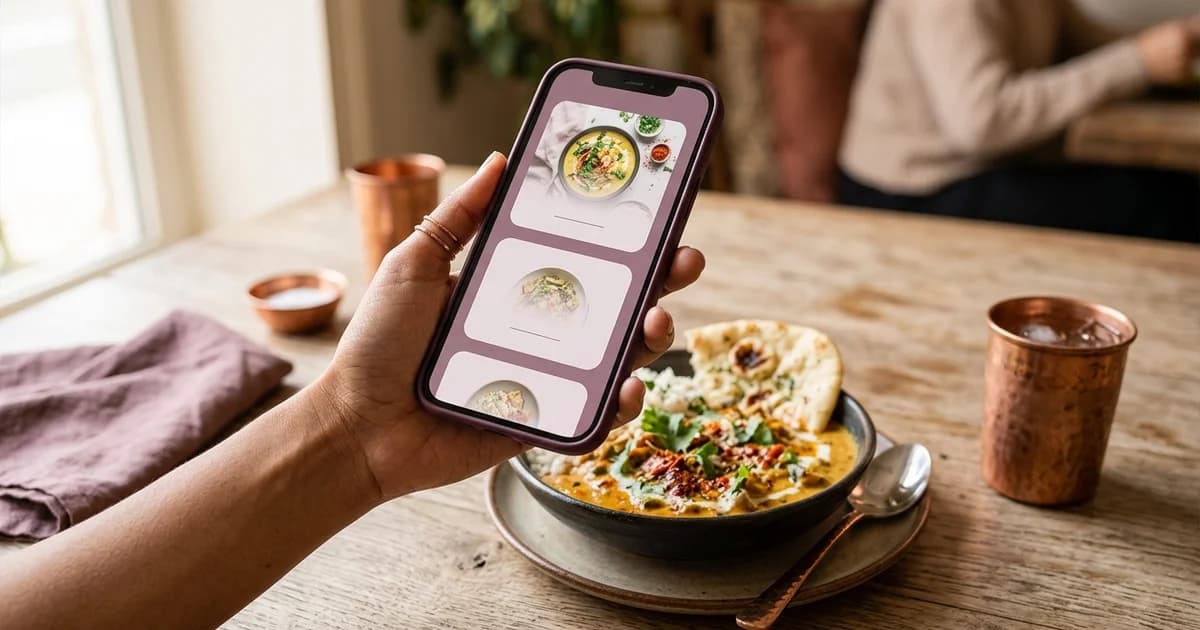
Scan the code from the exported artwork or a proof print. Check the link preview before opening it, then confirm the address belongs to the expected restaurant or menu provider. The page should load without staff credentials, editing permissions or a temporary preview link. Confirm the right outlet, current menu, item names, prices, availability and contact or ordering path. A QR symbol only encodes or points to data; it does not prove that the destination is current or trustworthy.
If the restaurant uses different codes by table, branch or service mode, test each code and record its intended destination. Compare the printed label or table identifier with the page that opens. Do not assume that two visually similar codes go to the same place.
Test the actual print, distance and lighting
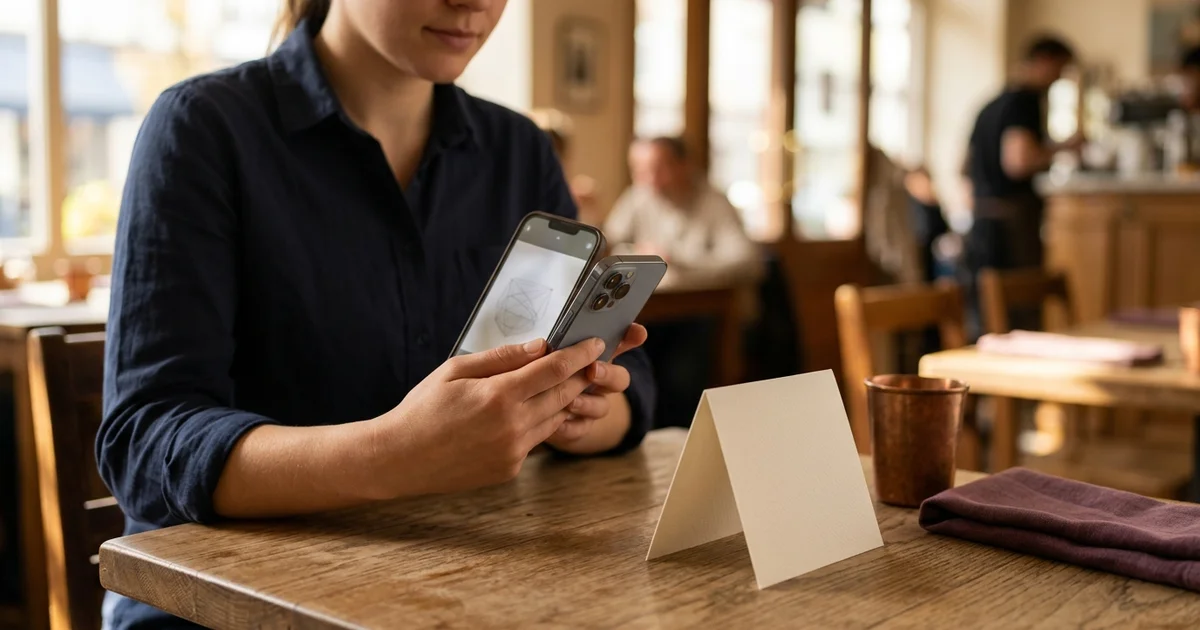
Print the code at the intended size on the final material, including any frame, logo or decorative border. Scan it from a normal seated position and at the angle guests are likely to hold a phone. Try typical table lighting and a slightly dimmer setting. Reflections from lamination, folds, stains, damage or a low-contrast design may affect a real scan. Test the finished item after lamination or mounting, since these steps can alter glare or crop the quiet margin.
DENSO WAVE’s QR guidance states that a QR symbol requires a clear margin four modules wide on every side. Keep text, borders and artwork outside that margin. Do not rely on shrinking the code to make a layout fit; change the layout or regenerate and test a better-sized code instead.
Check more than one phone
Repeat with at least one current iPhone and one Android phone available to the restaurant, using their camera app or supported code scanner. Apple’s current instructions say to open Camera, position the code in the frame and tap the link that appears; the screen also notes that more light can help. A successful scan on one model does not establish universal device compatibility, so include the actual phones and print setup the venue can test.
Test with a weak but usable mobile connection as well as the venue’s Wi-Fi. If guests need Wi-Fi access, make sure they can reach it before being asked to open the menu. If the page does not load, the staff should know how to offer a printed menu or another accessible way to see it.
Use a short pre-launch record
For each code, note its table or placement, destination address, proof-print size, phone used, lighting or distance issue, test date and result. Fix any mismatch, then repeat the full test after changing the image, destination or printed layout. A reprint or last-minute menu-domain change should trigger another check.
What this test does not guarantee
This procedure checks a specific code, destination, print sample, phone and moment in time. It does not guarantee that every camera will scan it, that a third-party menu service will remain available, or that the menu content is legally compliant. Keep another way for guests to access menu information. For related details, read restaurant QR code size and print quality, where to place QR codes on restaurant tables, and how to create a QR code menu.
Sources and further reading
- DENSO WAVE: Point for determining the code area
- Apple Support: Scan a QR code with your iPhone camera
- GS1: 2D barcodes at retail
Source links support the facts above. Check dated source material for current details.
Keep reading