How do you compare digital menu software for restaurants in India?
Compare digital-menu products against your menu, update process, ordering workflow, language, accessibility and total cost. This evidence-led checklist avoids unsupported “best software” rankings. The directory is a starting point for checking venues, not a promise about current service. Use each business’s current profile or contact details before travelling, since opening hours, ratings, menu and access may change without this article changing at the same time.
Define what “digital menu” must do
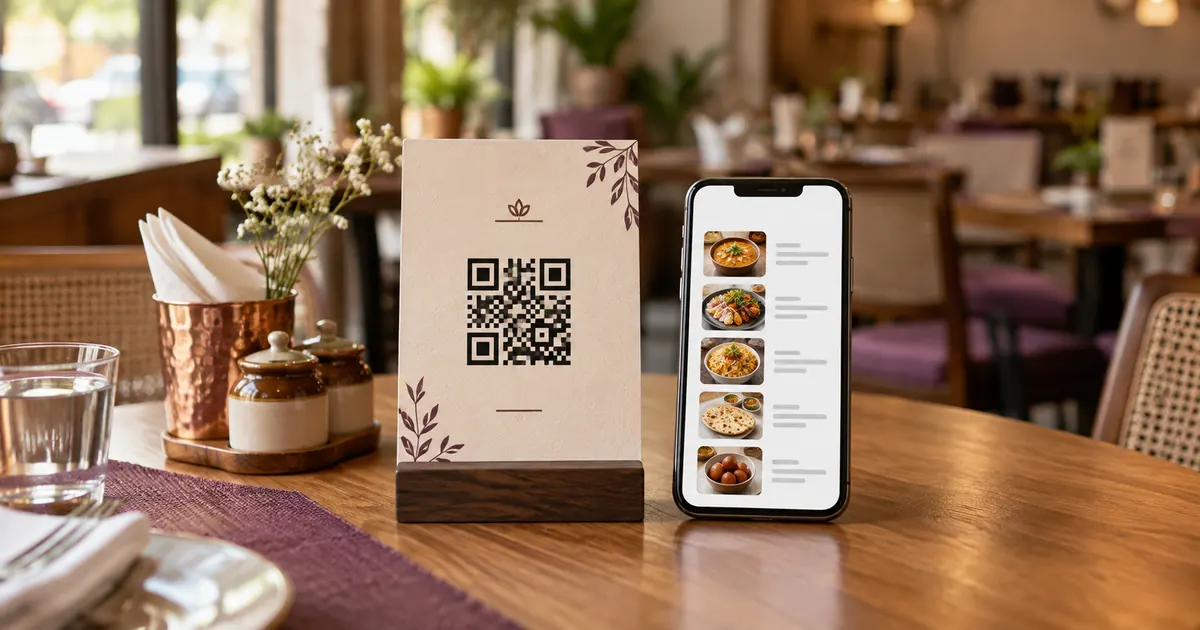
A digital menu may mean a web page that displays items and prices, a QR code that opens that page, an ordering workflow, or a system connected to a POS. These functions are not interchangeable. Write down whether the restaurant needs browsing only, table ordering, pickup ordering, payment, or menu synchronization before comparing vendors.
List operational requirements: branches, language versions, modifiers, sold-out status, tax display, photographs, staff roles and the devices used during service. A product that supports a QR link may not support order routing. Ask the vendor to demonstrate the exact guest and staff flows you need.
Compare the workflow and data controls
Check who can add or edit an item, whether changes need approval, and how the system logs updates. Confirm how menu data exports if the contract ends. Ask whether each branch can have local prices and availability, and how long a change takes to appear to guests. Test one price change and one sold-out item in the trial or demo environment.
Confirm the platform’s destination address, domain ownership and what happens if service stops. If printed QR codes point to a vendor-controlled redirect, ask about account ownership, export and continuity. Do not assume a “dynamic QR” feature is guaranteed by the QR standard; it is usually provided by a service.
Evaluate guest access and presentation
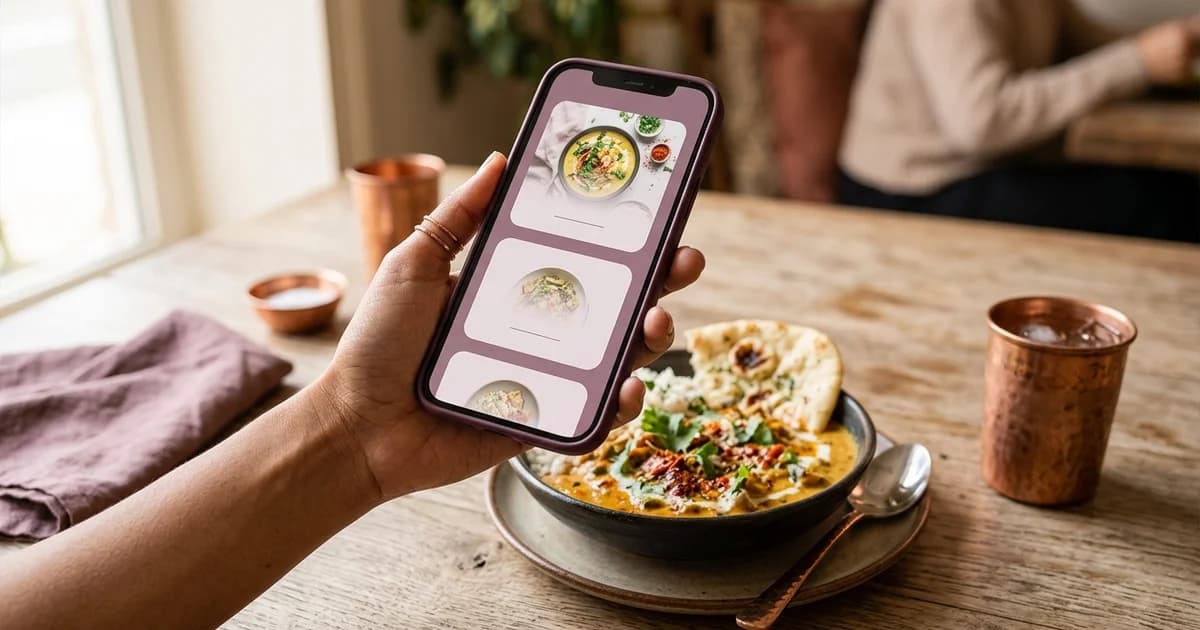
Open the sample menu on a phone without signing in. Check readable text, section navigation, loading speed, zoom, language display and an alternate path for guests who cannot scan. If the menu is a PDF, test it at phone size. Ask how staff can provide the same current information offline or through a printed copy.
For ordering, test the full journey from guest submission to acknowledgement and kitchen receipt. Ask what happens when a device disconnects and how duplicate orders are prevented. For payment, inspect who processes it, how the amount is confirmed, and how reconciliation and refunds work.
Compare total cost and support
Request a written price schedule that identifies setup, subscription, branch, payment, support and transaction fees. Ask whether menu setup, photography, migration, training, taxes or custom changes cost extra. Estimate staff time to update and check content as well as the invoice price. Compare products over the same term and with the same number of locations.
Use a scorecard rather than a universal ranking: required feature fit, workflow reliability, content ownership, accessibility checks, export, support response, security and total cost. This page does not recommend a particular provider or claim market-wide market share. Verify current features and terms directly with each vendor before signing.
Related reading
Sources and further reading
- Google Business Profile Help: About the menu editor
- Google Business Profile Help: Manage local business links
- Google Search: Helpful, reliable, people-first content
Source links support the facts above. Check dated source material for current details.
Keep reading