Why do some restaurants use a different QR code on each table?
A table-specific code can carry or resolve a table identifier so an ordering system knows which table the guest selected. A shared code can still show the menu, but the guest may need to enter a table number or tell staff where they are. The QR pattern alone does not know a table’s physical location; the link and software must be configured to use that context.
What table context can change
When a guest scans a code printed for Table 12, a configured service might open the menu with Table 12 already selected. If the guest submits an order, staff may receive it with that table context. In a different setup, the scan may only show a generic menu and no order information is sent. Confirm the actual behavior with the provider and the restaurant’s configuration rather than inferring it from the printed code.
Table identifiers can also support a call-staff or bill-request workflow if the service includes it. These are distinct functions. A code linked to a menu will not automatically call a server, transmit an order or retrieve a bill unless the destination implements those actions and staff processes are in place.
Shared code and unique code trade-offs
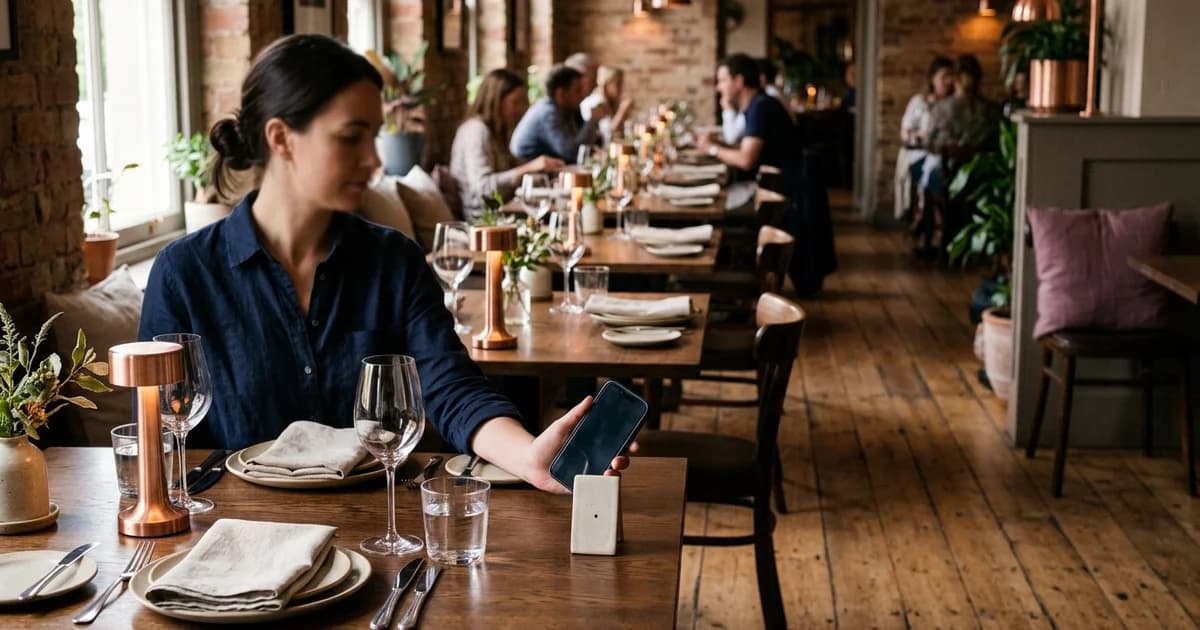
A shared code reduces the number of designs and table labels to manage. The restaurant can put the same QR on menus, signs or counters, but may need another step to identify the guest’s table for ordering or service. A unique code may remove that entry step in a configured workflow, while adding inventory and maintenance work: each printed code must stay with its assigned table and its destination must remain correct.
Neither arrangement is automatically more accurate or more convenient. Consider the venue’s service style, how often tables are rearranged, whether guests order through the code, and how staff correct a wrong table selection. If tables are joined or renumbered, the printed code and system record need to be updated together.
Keep the label-to-table mapping reliable
Maintain a list that maps each physical code to its intended table and destination. Test a sample at every table before service; for a larger set, verify all codes during setup and after reprints. Include a visible table label near the code so a guest and staff member can notice a mismatch. If an order arrives for the wrong table, define how staff confirm and correct it before food is delivered.
Do not encode unnecessary personal or sensitive guest data into a public code. A table identifier should be the minimum context the workflow needs. Inspect the destination address before scanning, particularly if a card is missing, replaced or appears altered. DENSO WAVE notes that QR Codes carry data; the service that interprets a table identifier is separate from the printed symbol.
Choose based on the actual service flow
If the code is view-only, one shared menu link may meet the need. If the guest is expected to submit an order or request service, decide how the system obtains and communicates the table number. Document who owns the mapping and how replacement cards are checked. For related reading, see QR menu, ordering and pay-at-table differences, QR ordering guest-to-kitchen flow, and where to place QR codes on restaurant tables.
Sources and further reading
- DENSO WAVE: QR Code FAQ
- DENSO WAVE: How to introduce a QR Code system
- Apple Support: Scan a QR code with your iPhone camera
Source links support the facts above. Check dated source material for current details.
Keep reading